Goals, directions and limits
Write where you want to go next; CareerBot turns it into directions and limits for you to approve.
Your record says what you've done. Your goals say where you want to go next. CareerBot uses them to find companies and rank roles, so it needs both.
You write your goals the same way you write a story: in your own words. CareerBot reads them into two kinds of thing for you to approve:
- Directions: the kinds of work you're going for, such as "Supply Chain Product" for Wren Castellano. Companies are found and roles ranked for each one.
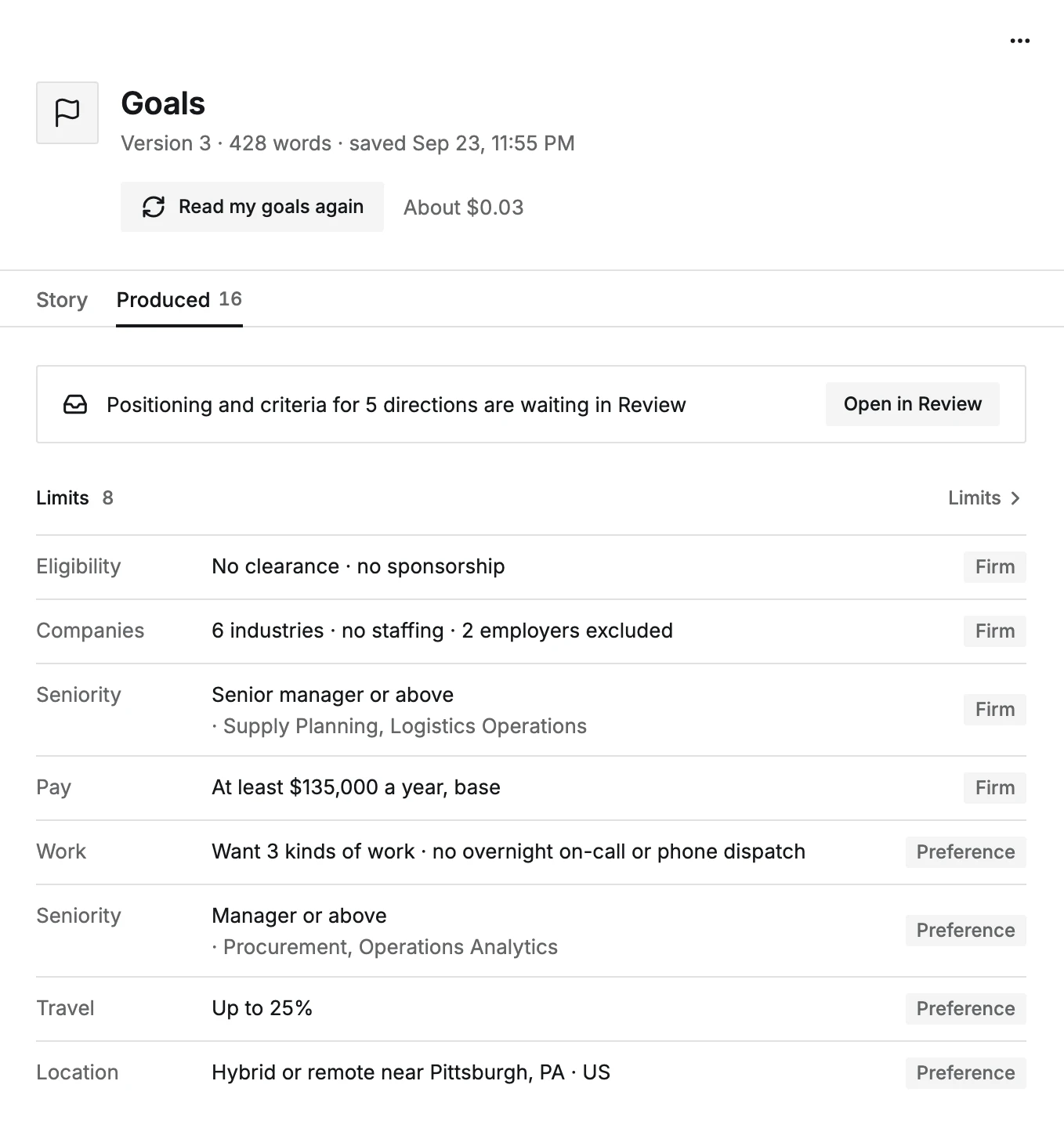
- Limits: what a role must or mustn't be: pay, location, travel, schedule, seniority, companies, the work itself, and eligibility. Each one is Firm (roles that fail it are hidden) or a Preference (they rank lower).
The step is done once you've approved at least one direction or limit. Writing and approving are free; reading your goals uses your AI budget, with its cost shown first.
What you do
- 1
Open Goals
The step's button, Open Goals, opens Goals. With nothing written yet, choose Write your goals.
- 2
Write
Say what you want next: the work, the pay, where, and what to avoid. Choose Save (or ⌘↵). Each save is a new version; earlier ones stay in the list.
- 3
Read my goals
Choose Read my goals. What it proposes waits in Review. What you've already approved or rejected stays as it is.
- 4
Approve in Review
Each direction and limit is a card. Approve, Edit or Reject it. Once a direction is approved, its positioning and search criteria are proposed next, and you approve those too (Approve positioning, Approve criteria).
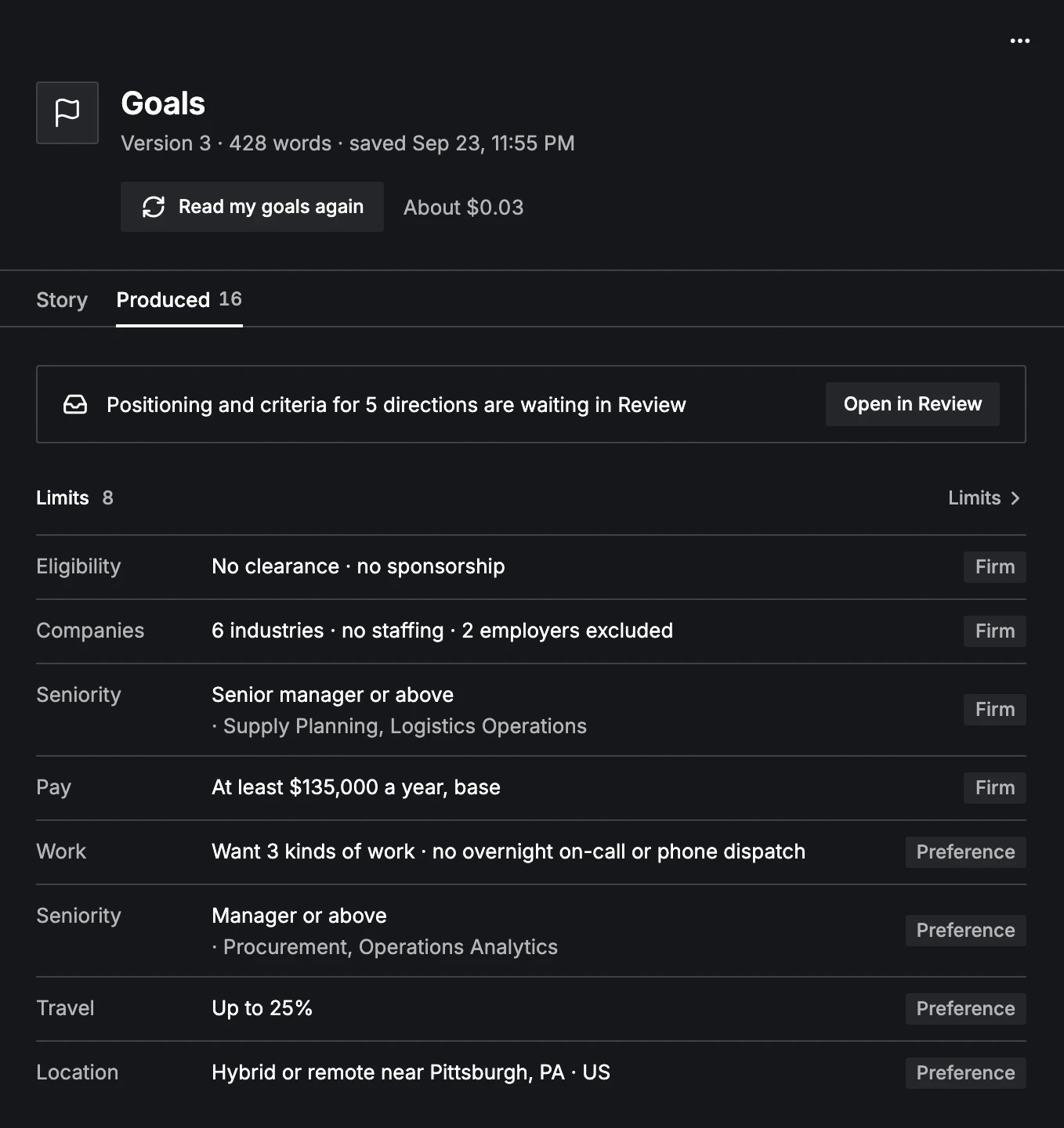
The Produced tab on Goals shows everything your goals turned into, with what's still waiting in Review.
Changing your goals later
Edit the story and choose Read my goals again. Only what's new is proposed. You can also change a limit directly in Limits, or add one of your own with Add a limit.
For how to write goals that work well, see Writing your goals. For how limits filter roles, see Goals, directions and limits.