OpenRouter keys and your AI budget
CareerBot's AI runs on your own OpenRouter account, inside a monthly budget you set.
Everything CareerBot reads or writes with AI (your stories, your goals, companies, roles, resumes, letters) runs on your own OpenRouter account. You see and control every cent, and CareerBot never spends past the monthly budget you set. Until this step is done, nothing that uses AI can run.
What you do
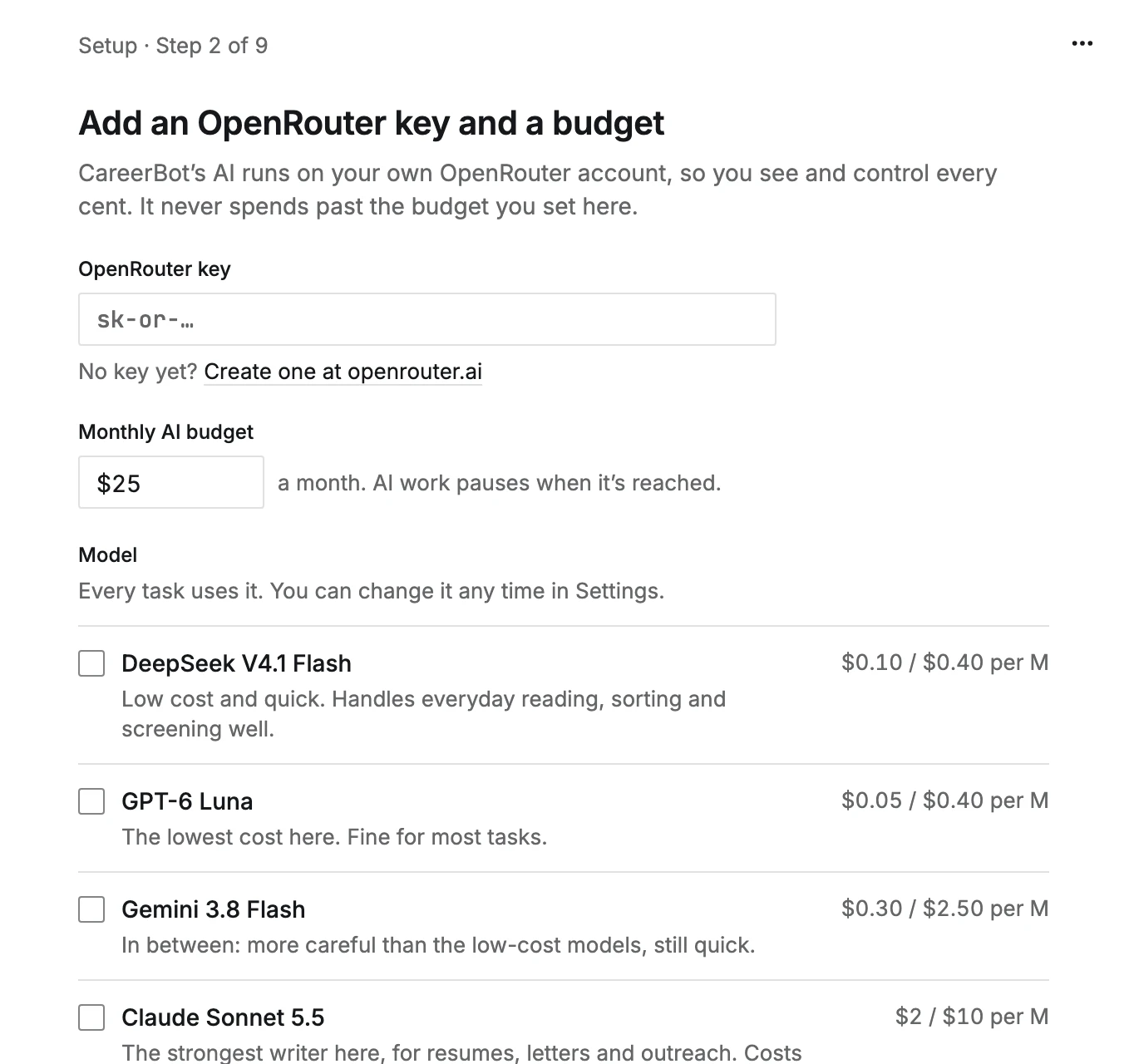
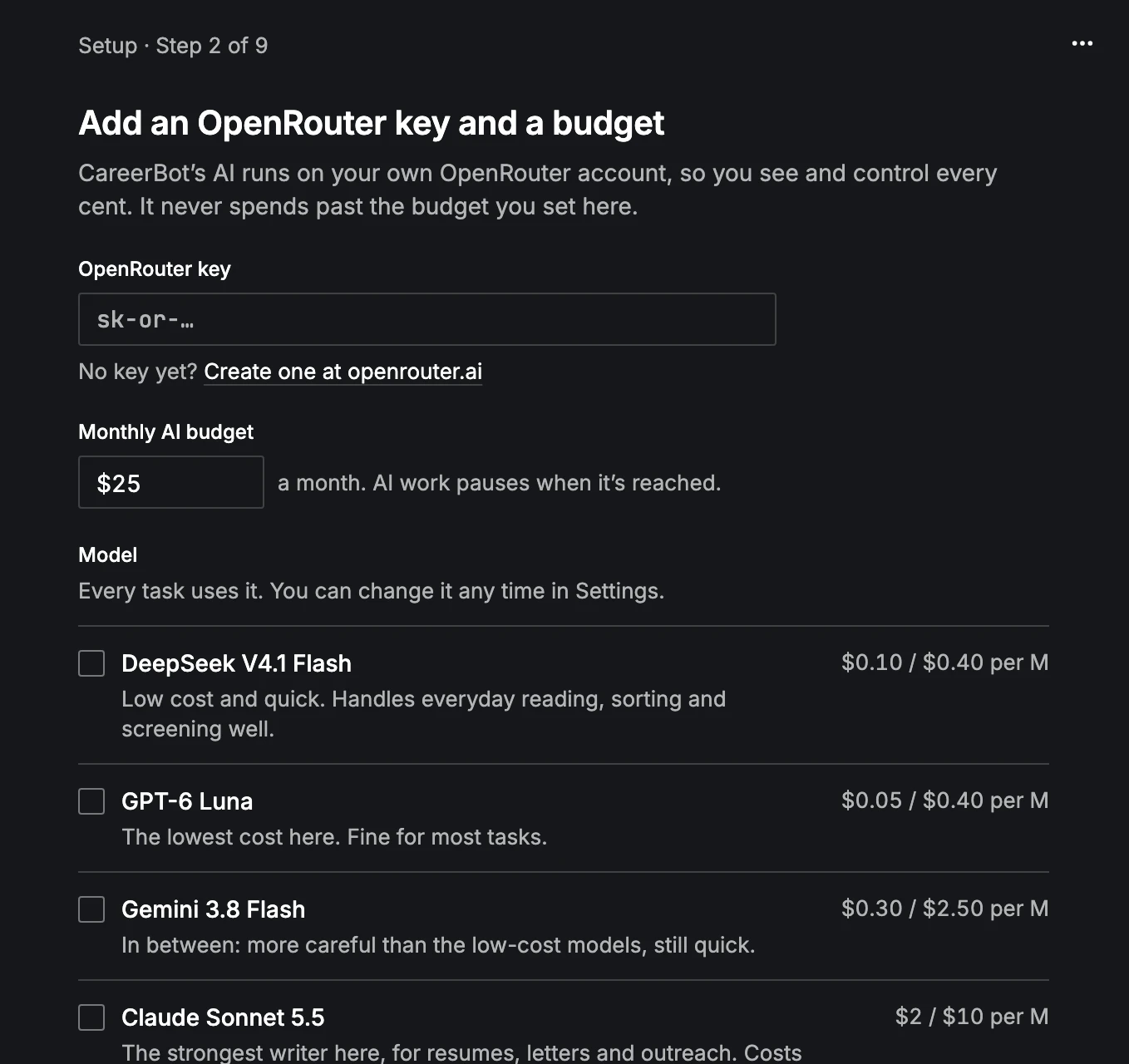
On Today, open the step Add an OpenRouter key and a budget. It asks for three things, saved together:
- 1
Paste your OpenRouter key
No key yet? The link Create one at openrouter.ai opens OpenRouter's key page. Create a key there and paste it into OpenRouter key. It starts with
sk-or-. - 2
Set a monthly AI budget
Type an amount under Monthly AI budget. It starts at $25. AI work pauses when it's reached.
- 3
Choose a model
Under Model, pick the model every task uses. You can change it any time in Settings, and later give different tasks different models.
For one that isn't listed, press Choose another model and search every OpenRouter model that works with CareerBot, each with its price per million tokens read and written. Aliases such as
~anthropic/claude-haiku-latestare there too, priced as the model they point at. Your pick shows as its own row above the others and is used instead of them. - 4
Save and continue
Save and continue checks the key with OpenRouter first, then saves it with your budget and model. It's free.
If OpenRouter doesn't take the key, you see "OpenRouter didn't accept that key." Check you copied all of it, and that the key is active at OpenRouter.
Set a monthly limit on the key at OpenRouter too. It's a second cap on AI spending, in case you ever want one outside CareerBot.
What it costs
Adding the key is free. After that, each AI task costs what OpenRouter charges for the model you chose. CareerBot shows an estimate beside anything that spends, before you start it, such as "About $0.02". Reading a story is usually one of the larger costs, and grows with how long the story is.
How the budget works
The budget is per calendar month (UTC) and starts again on the 1st.
- Before each AI call, CareerBot holds the most the call could cost and checks that against what's left. A call that might go over doesn't start.
- When the budget is used up, AI work pauses and says "This month's AI budget is used up." Raise the budget and paused work picks up again. Otherwise it picks up on the 1st.
- With no budget at all, nothing runs: "Set a monthly AI budget to continue."
Changing it later
- Settings, Connections, under AI: your OpenRouter key, shown by its last four characters. Replace checks a new key before it takes the old one's place; Remove stops all AI work until you add a key again.
- Settings, Budgets and spending: what you've spent this month against the Monthly budget, and when it resets. Open Reports shows every call and what it was for.
- Settings, AI: which model each task uses.
See Budgets and costs and Models and AI tasks.
Next
The next step is your first story. See How to tell your story.
Edit this page on GitHub