First steps
Getting started on Today walks you through setting up CareerBot, then through your first pursuit, on the Outreach path, the Apply path or both.
When you first sign in, Today shows Getting started: a list of steps with the one to do next open beside it. Each step says why it matters, what it unlocks, and where it's done. A step ticks itself off once the work is really there, for example once you've approved a fact or added a key, so you can do a step from its own screen and come back.
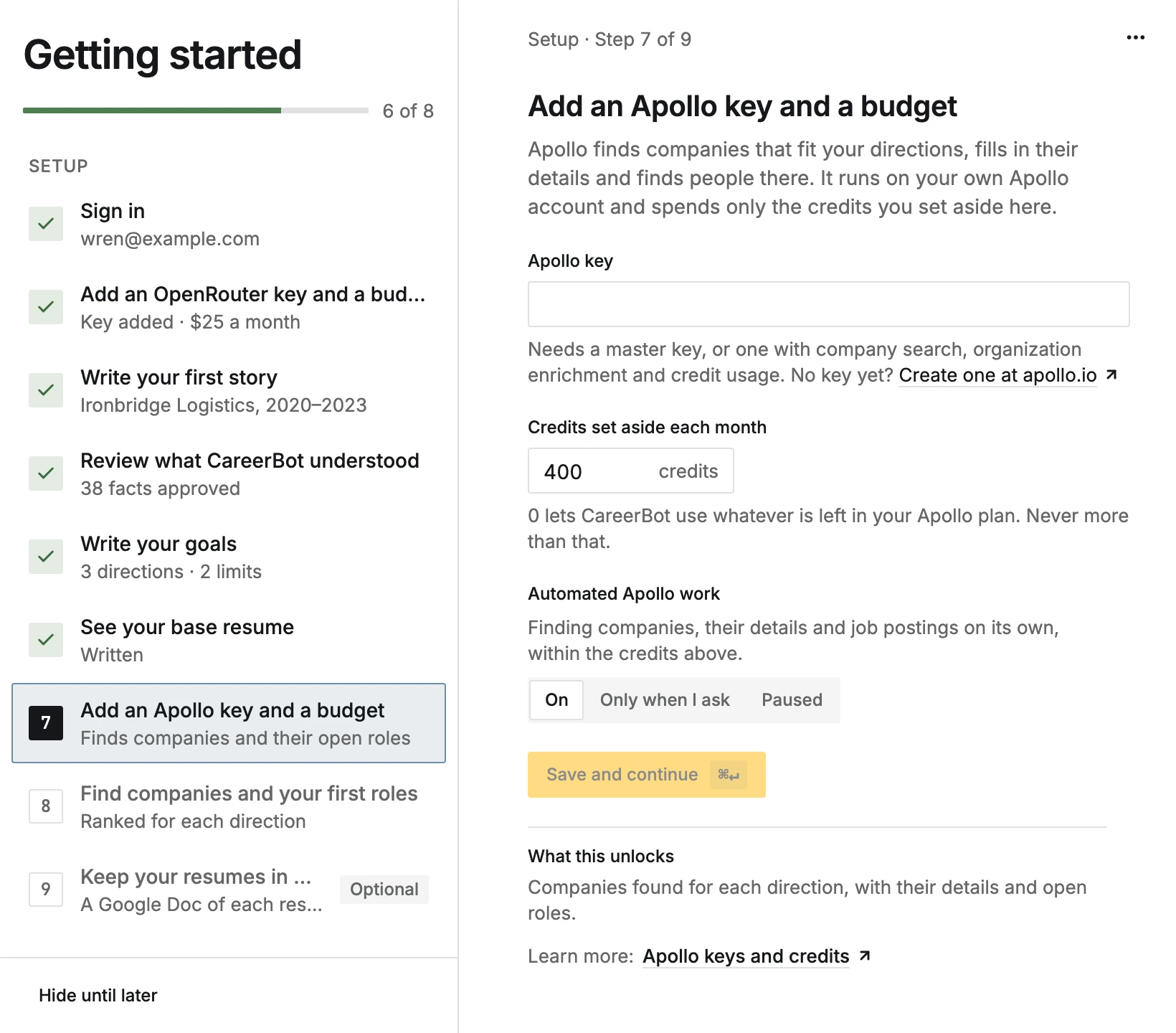
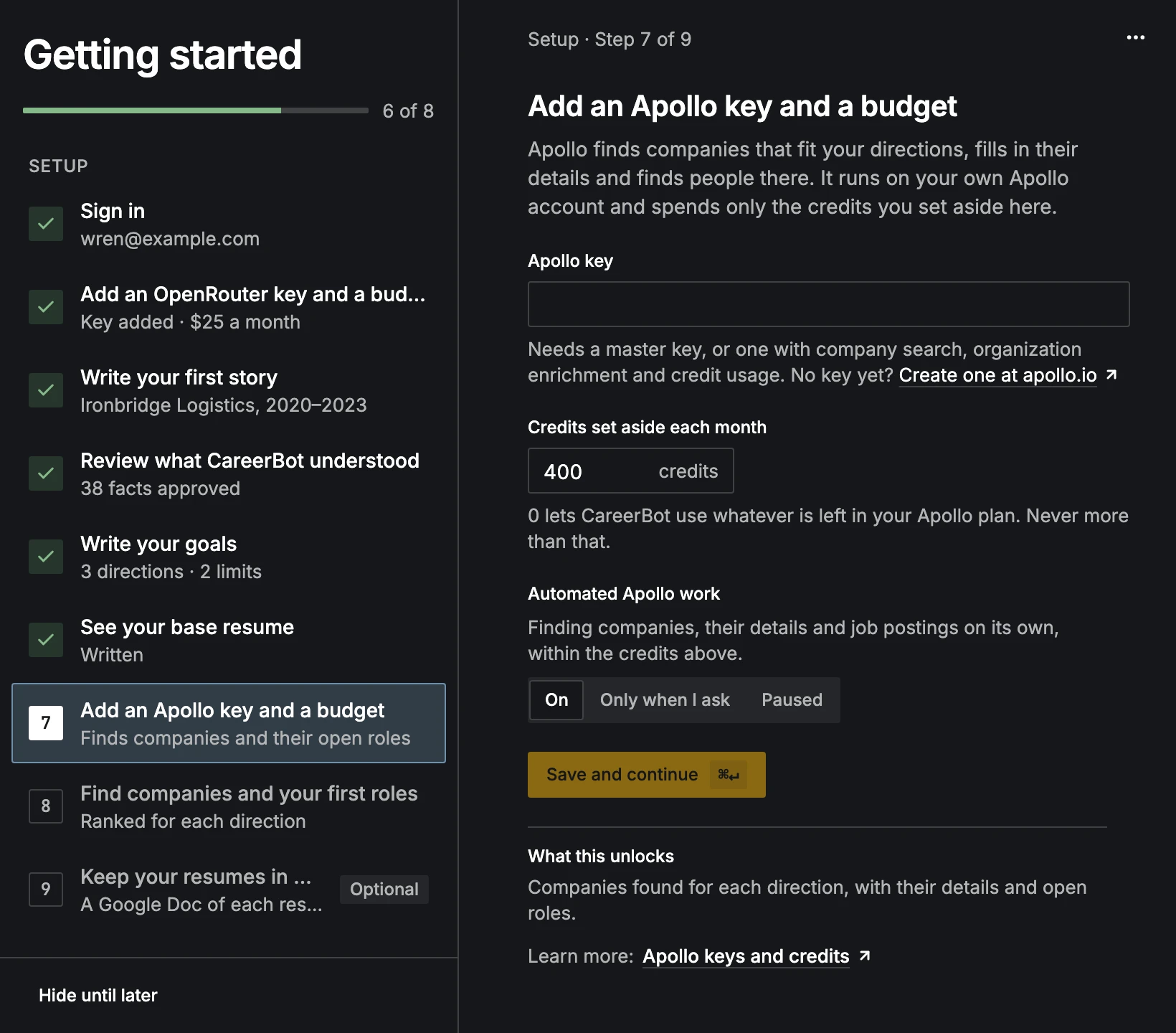
There are two parts:
- Setup comes first: signing in, your keys and budgets, your first story, your record, your goals, your base resume, companies, and (if you want it) Google Drive. Google Drive is the only step you can skip.
- Your first pursuit starts once Setup is done: one role, from starting a pursuit and tailoring your resume to choosing a path. On the Outreach path you find contacts and send an outreach message; on the Apply path you write the cover letter and apply. Either path ends with following up.
This takes real time. Your first story alone is 20 minutes or more, and every job you add is about the same. Reading companies and their roles runs in the background and can take a while the first time. You don't have to do it in one sitting: everything you write is kept, and you can put Getting started away with Hide until later from a step's ⋯ menu and bring it back from Today.
Once every step is done, Getting started says Getting started is done, and Today becomes your daily list: new strong roles each morning, reminders for every pursuit, and anything waiting for your review.
The steps
Setup
- 01Sign inWith Google or GitHub
- 02Choose your planCareerBot’s AI starts once it’s paid
- 03Add an OpenRouter key and a budgetPays for CareerBot’s AI, within a budget you set
- 04Write your first storyIn your own words. It’s the root of your record.
- 05Review what CareerBot understoodUnlocks your record
- 06Write your goalsThen approve limits and directions
- 07See your base resumeBuilt from your approved record
- 08Add an Apollo key and a budgetFinds companies and their open roles
- 09Name companies you likeFree · finds more like them (optional)
- 10Find and rate companiesTarget the ones you’d like to work at
- 11See your first ranked rolesRead from their job boards, ranked for each direction
- 12Keep your resumes in Google DriveA Google Doc of each resume (optional)
Your first pursuit
On the Outreach path
On the Apply path
Either path
Before you start
You need:
- An OpenRouter account and key, for CareerBot's AI. See OpenRouter keys and your AI budget.
- An Apollo account and key, for finding companies and people. See Apollo keys and credits.
- Optional: a Google account for Drive, a GitHub account for your projects, and a Brave Search key. See Integrations.
Both OpenRouter and Apollo bill you directly. CareerBot never spends past the budgets you set.
Edit this page on GitHub