Review
Every decision waiting for you, one at a time or several at once, each with what it rests on and a reason when you want to give one.
Address
/review
The tour
In ⌘K: Take the tour of Review. It lights up each part in turn and never changes anything.
- 01ReviewEvery decision waiting for you: new facts, roles and updates. You go through them one at a time, or check several and decide them together.
- 02GroupsDecisions sorted by kind, each with how many wait. Groups that unlock other work come first. Open a group to go through it.
- 03Cards or ListCards shows one decision at a time. List shows the whole group as rows, where you can check several and approve or reject them together.
- 04The cardOne decision, with what it’s built on and what you can do with it. Reject decides at once, with Undo; Reject with a note in its menu asks why first. Skip moves on and brings it back at the end.
- 05KeysThe arrow keys decide: → approves, ← rejects, ↑ edits, ↓ rejects with a note. A, R and E do the same. S skips, J and K move to the next and previous card, and U undoes the last decision.
- 06Turned downIn List, what you turned down in this group, with its reason. Restore brings one back.
- 07More for ReviewSuggest questions, Look for conflicts and Find facts said twice look for new things to decide. They use your AI budget, and what they find waits here.
Actions
- Suggest questionsLooks for questions whose answers would sharpen your record. They wait here for your answers.About $0.02 of your AI budget
- Look for conflictsChecks your record against your stories for anything they disagree on. What it finds waits here.Uses your AI budget
- Find facts said twiceLooks for facts your record says twice. Pairs it finds wait here, to merge or keep both.Uses your AI budget
- Open TodayOpens Today: what needs you now.Free
- SkipMoves on to the next one; this one comes back at the end of the group.Free
CareerBot proposes; you decide. Everything it reads or works out (a fact from your story, a limit from your goals, a company to rate, a new resume version) waits here until you approve it, change it or turn it down. Nothing reaches your resumes until you approve it. The sidebar, the bottom bar and Today all show the same count of what waits.
The groups
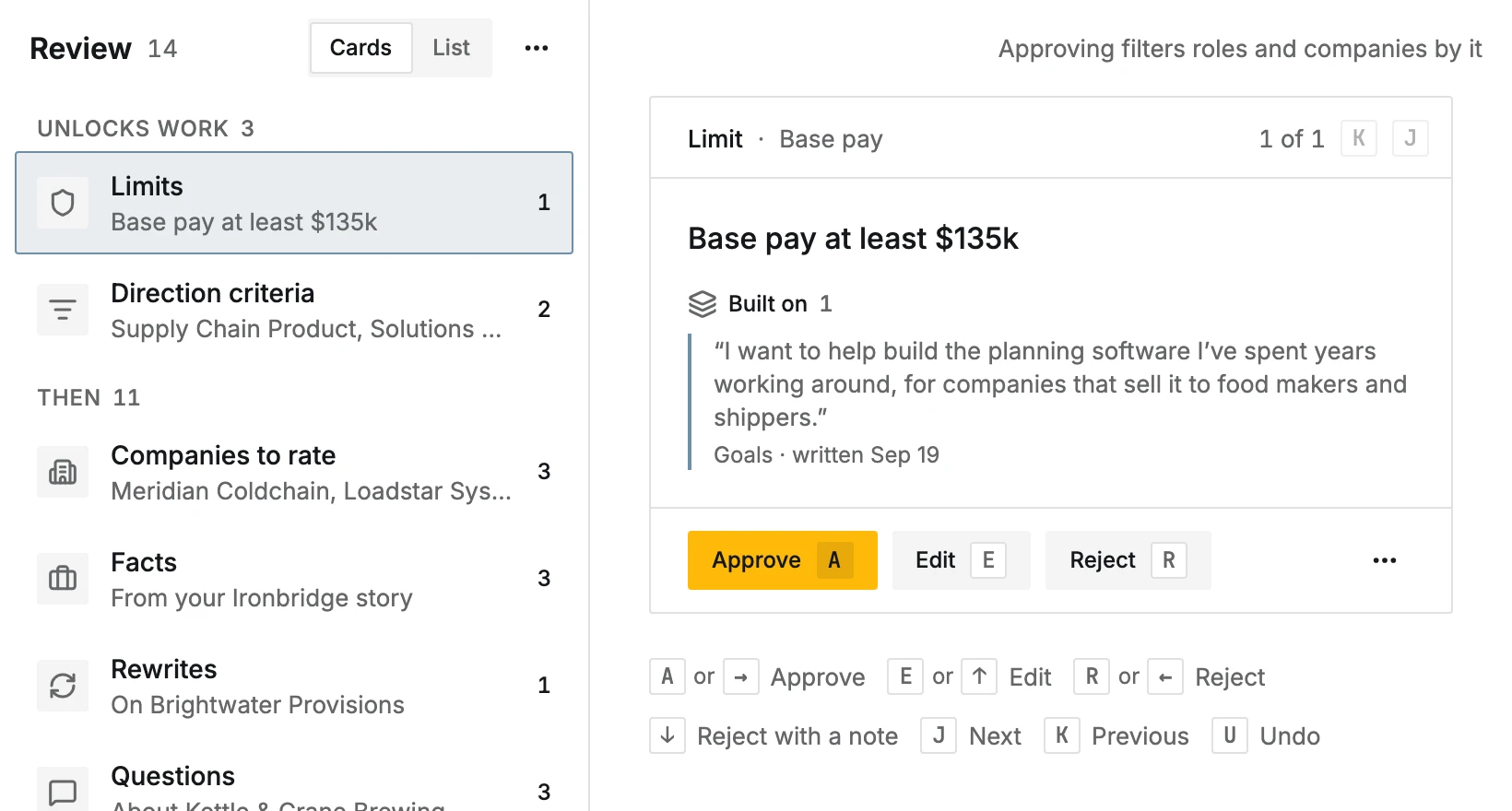
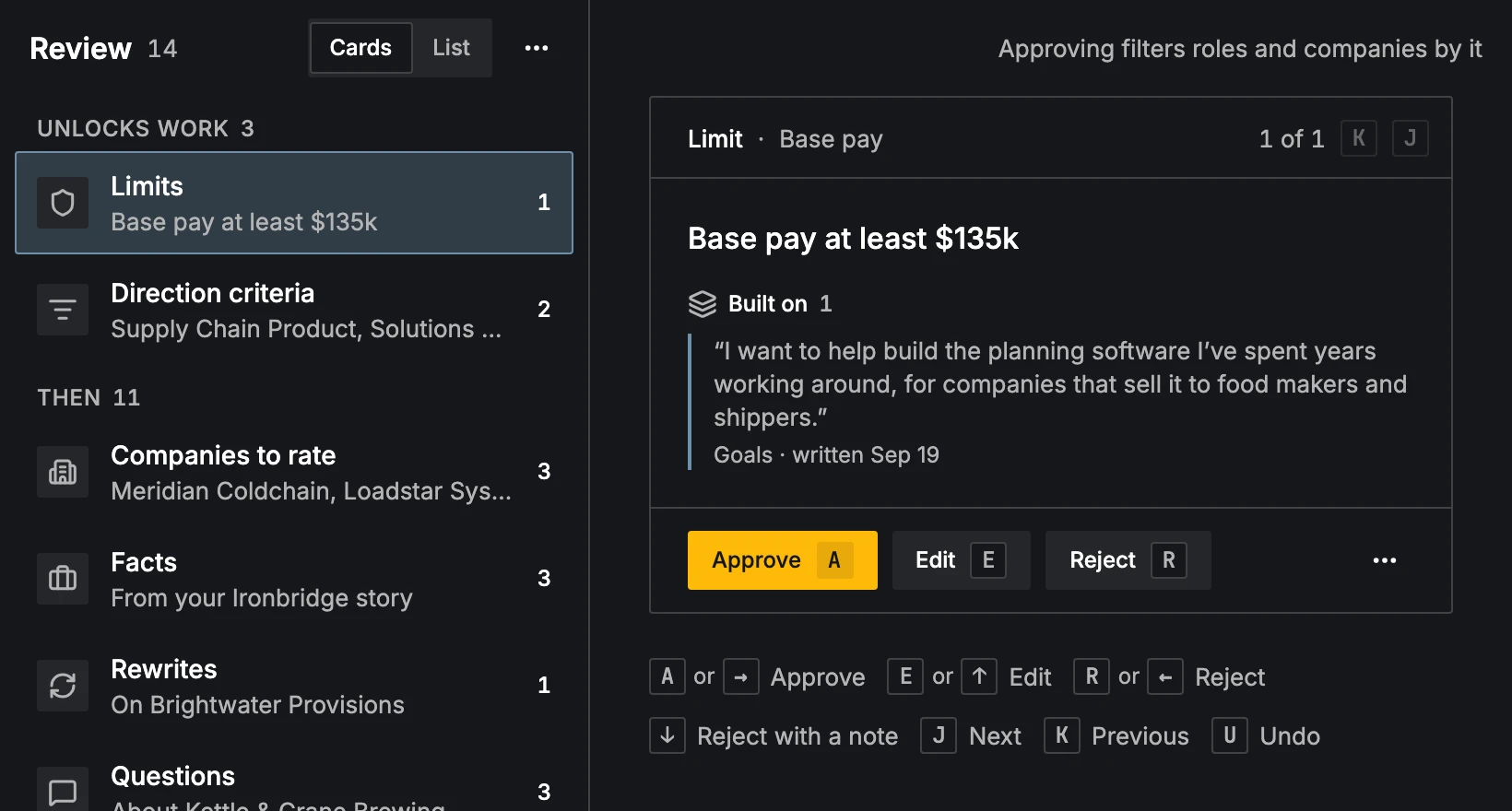
The left side lists the groups, each with how many wait and a preview. The groups that unlock other work come first, under Unlocks work:
- Directions: kinds of work to go for.
- Limits: rules that filter and rank roles.
- Direction criteria: what company search looks for in a direction.
- Positioning: how your record is told for a direction.
Then, under Then: Companies to rate, Facts, Rewrites, Questions, Insights, Skills, Same work and Resume updates. Open a group to go through it.
Cards or List
Show as switches between two ways of working:
- Cards shows one decision at a time, with Built on (the approved facts it rests on, or the story words and when they were written), its actions, and the next one waiting.
- List shows the whole group as rows. Select (or Select all) in the group's ⋯ menu, X on a row, or ⇧- or ⌘-click shows checkboxes; check several and use Approve or Reject on all of them together (Reject with a note is in the bar's ⋯ menu), and Done or Esc stops (see Selecting several). Under Turned down you see what you rejected in this group, with your reason if you gave one, and Restore brings one back.
Decide a card
- 1
Read what it rests on
The card says what it is ("New fact", "Limit", "Company to rate" and so on) and shows Built on.
- 2
Approve, change or turn it down
Each kind has its own words. A fact has Approve, Edit (approved in your words) and Reject; when deciding it finishes its story's review, the tooltip says it then reads insights and gathers your skills, with about what that costs. A rewrite has Use this, Edit and Keep current. A company to rate has Target, Maybe and Not for me. A pair said twice has Keep this wording, Keep the other and Keep both. Same work has Connect and Keep separate. A question has Answer and Not now. A new resume version has Keep and Discard.
- 3
Say why, if you like
Reject (or the card's no) decides at once. Reject with a note, in the card's ⋯ menu or with ↓, asks Why? first, with a few quick reasons ("Not true", "Overstates it", "Too vague" and others) or your own words. The reason is saved with the decision and steers what is proposed next.
- 4
Move on or undo
The next card appears. Skip (S, or in the card's menu) moves on and brings the card back at the end of the group. U or Undo in the message reverses the last decision.
A fact card also offers Ask for a rewrite: say what to change or add ("It was a team of three and I led it") and a rewrite comes back under Rewrites. Each card can open where the thing lives (Open in Record, Open in Limits, Open in Companies and so on).
Keys
| Key | Does |
|---|---|
| A or → | Approve (or the card's yes: Target, Use this, Keep) |
| E or ↑ | Edit, where the card can be edited |
| R or ← | Reject (or the card's no), at once |
| ↓ | Reject with a note |
| S | Skip: move on, and see the card again at the end of the group |
| J / K | Next / previous card |
| U | Undo the last decision |
Some cards have more letters, shown on their buttons: M for Maybe, O for Keep the other, D for Fix start date. The arrow keys leave alone whatever already uses arrows: a text field, a menu, a list of rows, a slider, or an open dialog.
Look for more to decide
More for Review (the ⋯ menu) has three searches that use your AI budget. What they find waits here.
- Suggest questions: questions whose answers would sharpen your record.
- Look for conflicts: places your record and your stories disagree.
- Find facts said twice: pairs to merge or keep both.
On a phone
The groups come first; a group opens full screen. The card swipes: right approves, left rejects at once. Its actions sit in the bottom bar; Reject with a note and Skip are in its ⋯ menu, and Why? opens above the keyboard. See On a phone.