Reports
How your search, spending, outcomes and record add up, for this month, this quarter or all time. Every number says what it counts.
Address
/reports
Reports shows what has happened and what it cost. Choose a Period (This month, This quarter or All time) and a view. Hover or focus any number, bar or point for what it counts; on a phone, press and hold it.
The views
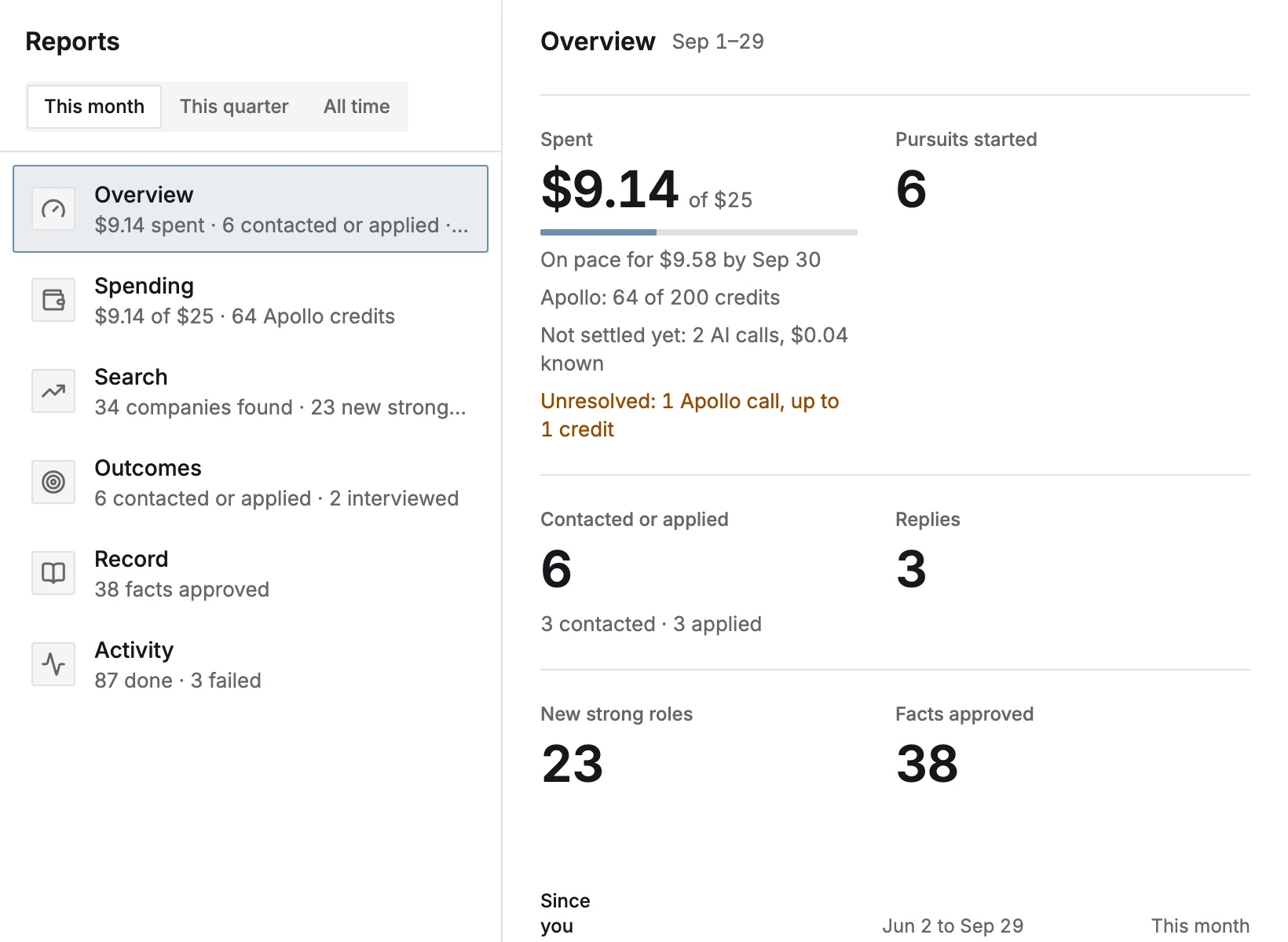
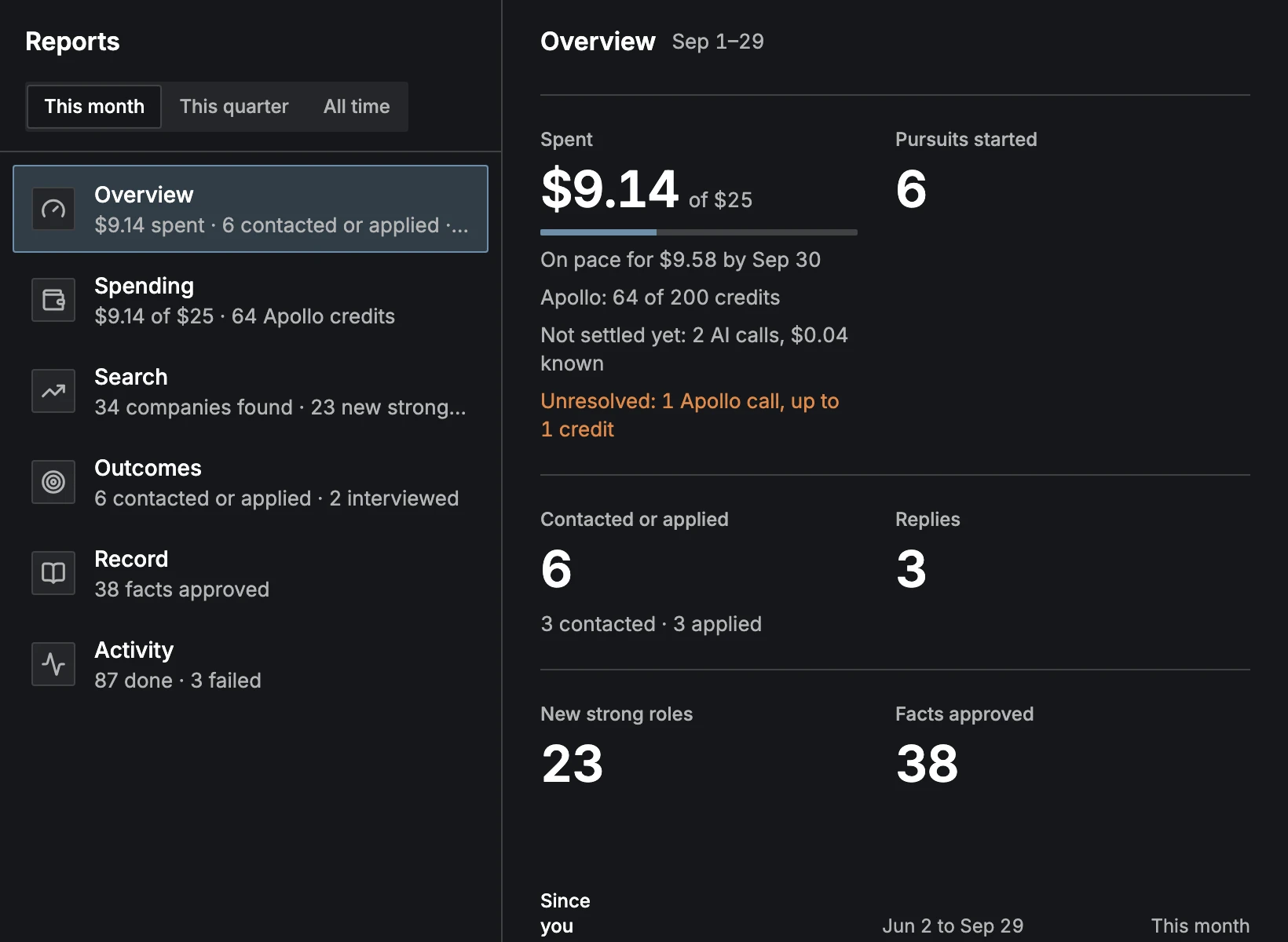
- Overview
- AI spending against your budget, Pursuits started, Contacted or applied, Replies, New strong roles and Facts approved, each with its total Since you started.
- Spending
- AI by month against your budget, AI by task, AI by area, Who started the work (Automatic or You asked), Apollo credits by use, By pursuit, and what is Not settled yet (calls still waiting for their final price) or Unresolved (calls the providers couldn't price). Totals count settled calls only.
- Search
- Companies over time (found and targets), Roles by fit for each direction, Pursuits by direction from started, to contacted or applied, to offer, Time to first reply, and Why pursuits closed.
- Outcomes
- Contacted or applied, Interviewed, Offers and Closed (with why), Suggestions worked out from those counts (CareerBot never acts on them), Replies by path, Replies by group, interviewed of contacted or applied By direction, and interviewed of applied By resume version.
- Record
- Stories, Facts approved by week, Insights approved, and Resumes kept and tailored.
- Activity
- Work done and Work failed by kind and by week. Failed work can be tried again from the Activity list.
Contacted and applied
Outreach and applying are counted apart. Contacted counts a pursuit once an outreach message is marked sent or its status is set to Contacted; a pursuit moved past Preparing without applying counts too, since someone there was in touch. Applied counts a pursuit once its status is set to Applied. A pursuit can be both, so Contacted or applied counts each pursuit once, and the two numbers under it can add up to more.
Interviews are counted against Contacted or applied, so an interview that came from outreach counts for its direction. By resume version counts applications only, since the resume version is the one sent with an application. On Overview each pursuit counts on the day of its first outreach message or its application, whichever came first; Search and Outcomes count the pursuits started in the period, whatever their status is now.
Replies
A reply is the first word back from someone at the company: a contact you marked as replied, or a move to In conversation, Interviewing or Offer, or Closed as Rejected or Declined. Time to first reply counts the days from your first outreach message or your application, whichever came first.
Replies by path compares the pursuits on Apply, Outreach, and Apply and Outreach: how many there are, how many got a reply, the reply rate, interviews, offers and the median days to the first reply. A path shows once it has 4 pursuits, so a handful doesn't read as a pattern. Once both Apply and Outreach have 4, and one gets at least twice the other's share of replies (2 replies or more), Suggestions says so ("Replies come from Outreach", or from Apply).
Replies by group shows, for the people you wrote to in each group (Hiring manager, Team, Recruiting), how many replied.
Layout
On a large screen the list of views is on the left and the chosen view (Overview at first) fills the rest. On a phone the list of views comes first and a view opens full screen.